Tools to Start: Website + Creator Basics
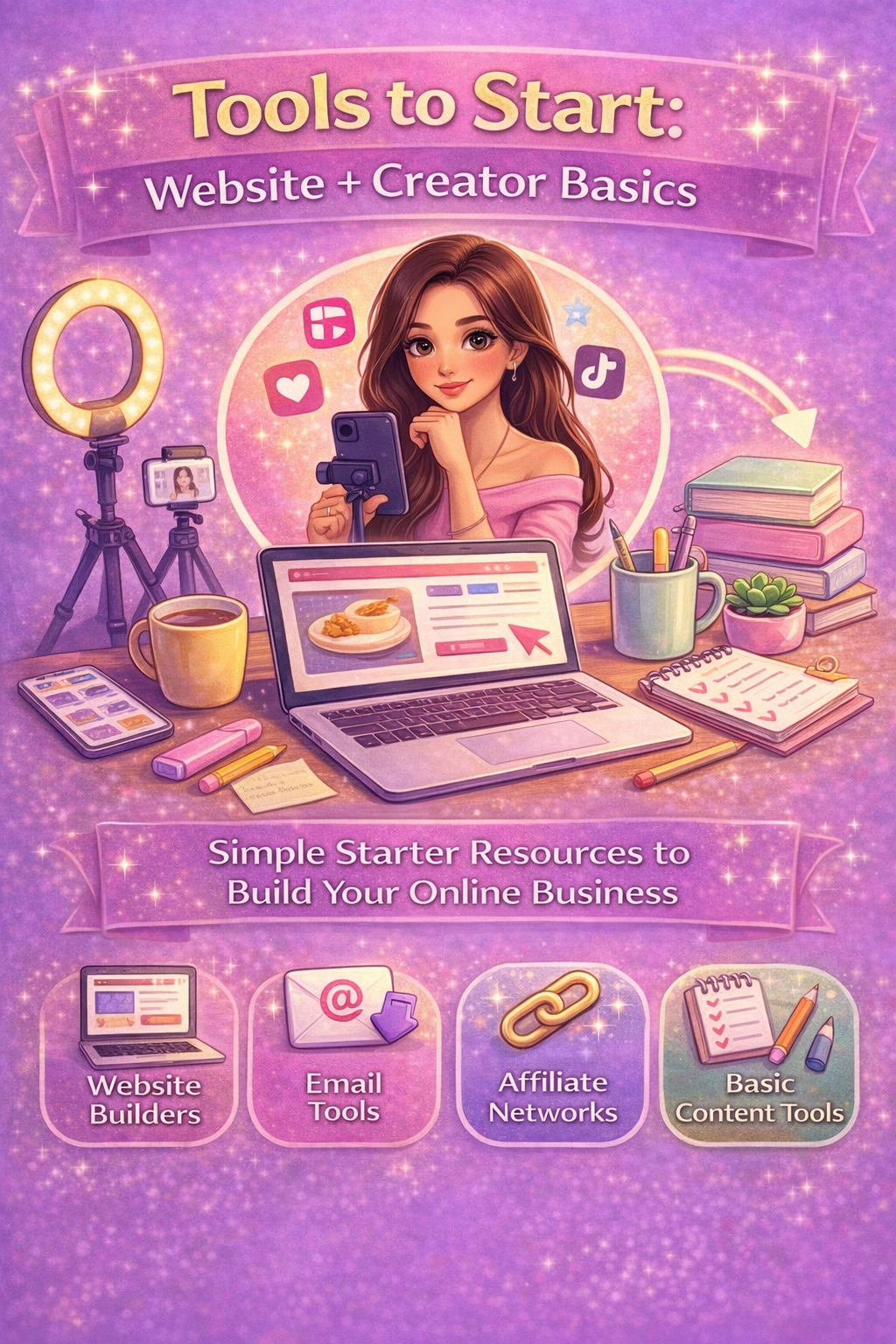
Starting online doesn’t require dozens of tools.
You only need a few reliable basics to create content, share resources, and begin building income paths over time.
This page lists simple tools many creators use to get started- not everything, just the essentials.
1. Website Builder
Your website is your home base. It’s the one place you fully control and where all other platforms can link back to.
Beginner-Friendly Option
Squarespace – All-in-one builder with hosting, templates, and simple drag-and-drop design. Good for blogs, portfolios, and resource hubs.
2. Email Tools
An email list gives you direct communication with your audience without relying on algorithms.
Popular Starter Options
Squarespace Campaign (if you choose and utilize SquareSpace options- I highly suggest)
MailerLite
ConvertKit
Beehiiv
You don’t need a large list — even a small one is powerful when it’s engaged.
3. Affiliate Networks
Affiliate networks allow you to recommend tools or products you genuinely use and earn a small commission if someone purchases through your link.
Common Networks
Amazon Associates
Impact
ShareASale
LTK / RewardStyle
Always recommend what aligns with your content and audience.
4. Basic Content Tools
You don’t need professional studios or expensive software. Simple tools are more than enough to start.
Common Creator Tools
Canva – Graphics, pins, thumbnails, PDFs
CapCut – Short-form video editing
Google Docs / Notion – Planning and writing
Smartphone Camera – More than sufficient for most content
Consistency matters more than complexity.
5. Optional Add-Ons Later
You can layer tools as you grow:
Scheduling apps
SEO plugins or research tools
Template libraries
Analytics dashboards
These are helpful, but not required on day one.
Transparency & Disclosure
Some links shared on this site may be affiliate links.
This means if you choose to use a tool through those links, I may earn a small commission at no extra cost to you. I only share resources I genuinely find helpful or personally use.
The Big Reminder
You don’t need every tool at once.
Start with:
A website
An email tool
One design or editing app
Add more only when you actually need them.
Simple foundations grow stronger than overloaded setups. ✨